POS software for retail that posts straight into your accounts
Fast checkout with barcode scanning, receipt printing and cash-drawer control, backed by real inventory and a double-entry ledger — so the till, the stock and the books agree at close of day.
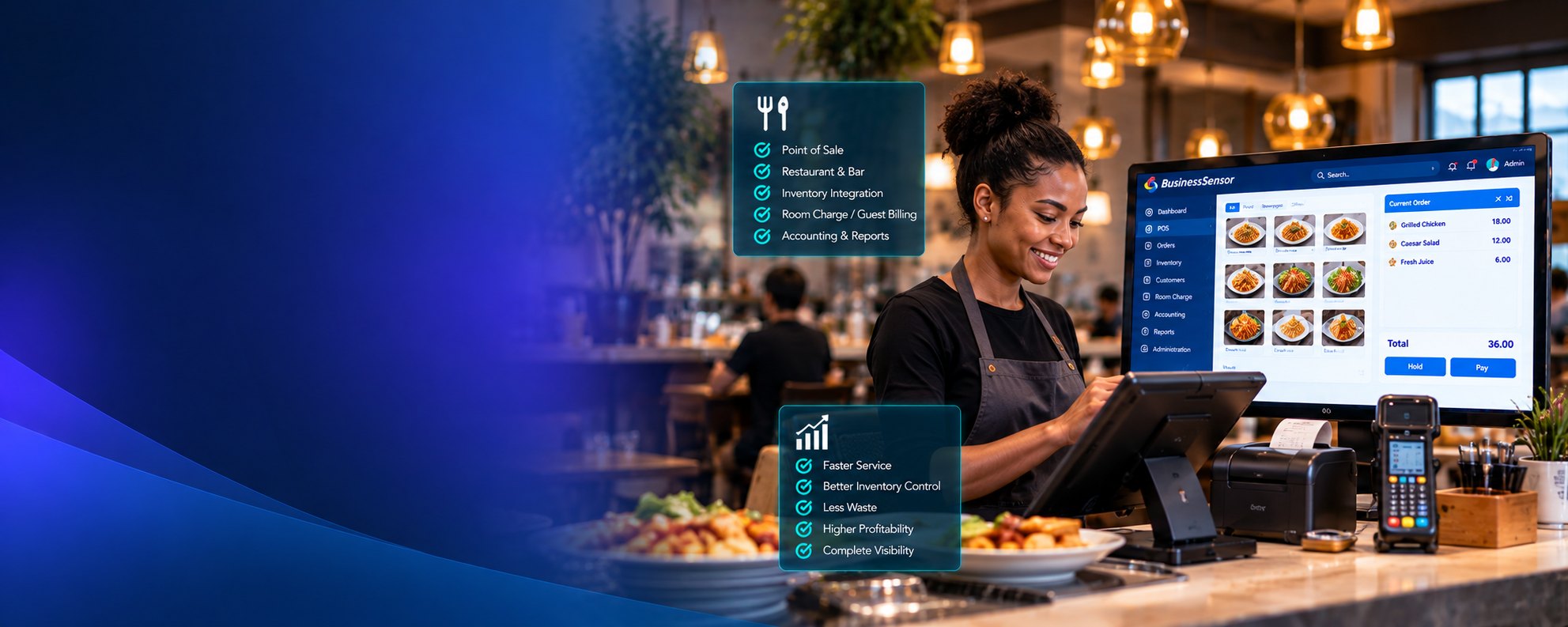
What POS ERP covers
Everything below is in the shipped product. Nothing here is a roadmap item.
Fast checkout
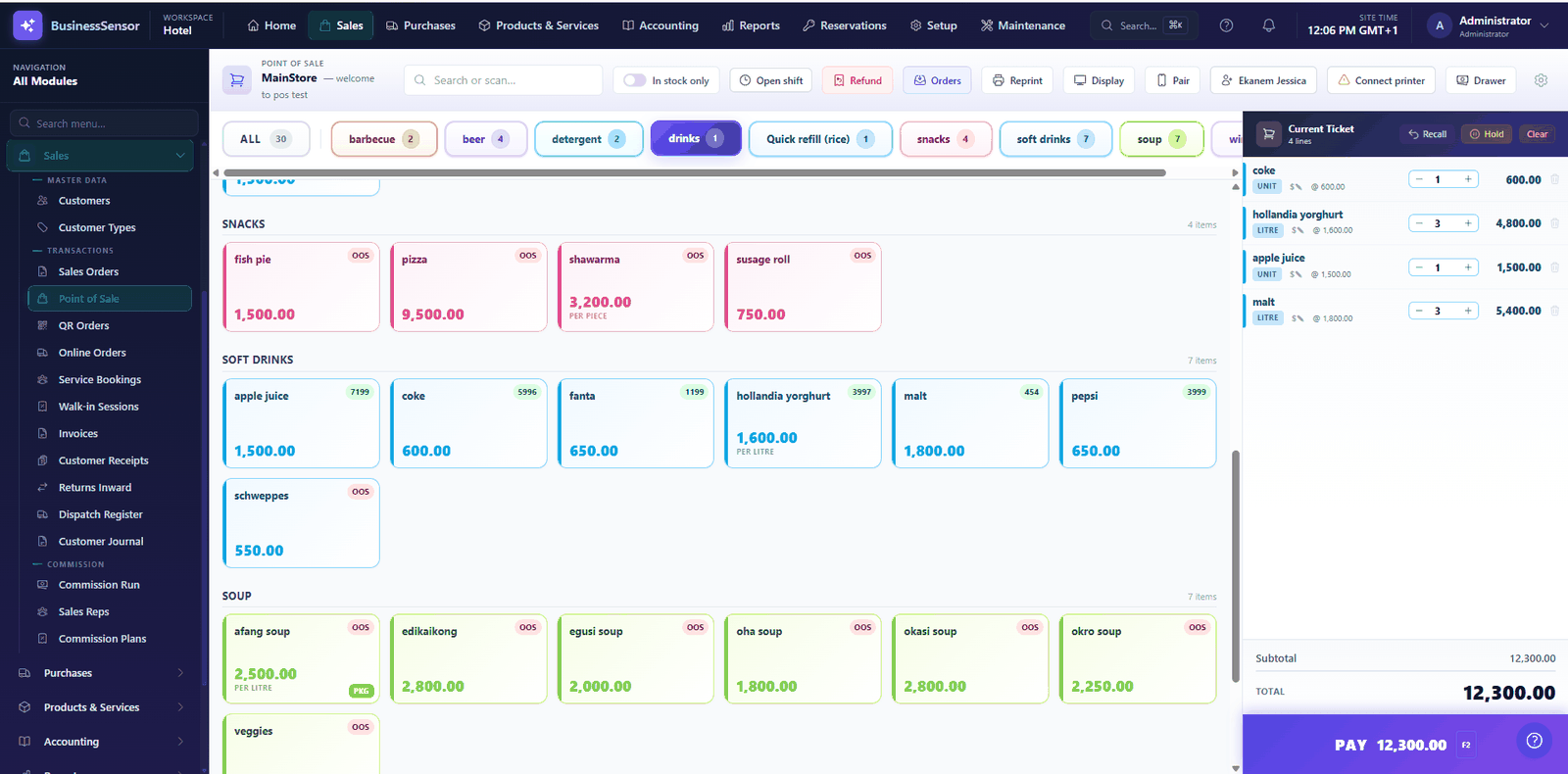
Keyboard-and-scanner driven sale screen designed for queue speed, with hold and park for interrupted baskets.
Hardware support
Receipt printers, cash drawers and barcode scanners through the hardware bridge, including per-workstation till routing.
Payments
Cash, card and transfer tendering, with card payments through supported gateways and payment terminals.
Shifts & cash control
Open and close cashier shifts with a Z-report reconciling expected against counted cash, plus manager-authorised overrides that are logged.
Inventory
Stock moves as you sell, with barcodes, multiple pack sizes, stock adjustments and low-stock visibility.
Refunds & returns
Refund the last sale or a selected receipt, with the reversal posting to the ledger.
Digital receipts & QR ordering
Send a receipt by link instead of paper, and let customers order from a QR code at the table or in the room.
Accounting & reporting
Sales, tax, cost of goods and cash all post automatically; daily sales and financial reports come from the same ledger.
From setup to a set of accounts
- 1
Load your items
Products, barcodes, pack sizes and prices.
- 2
Open a shift
Cashier signs on with an opening float.
- 3
Sell
Scan, tender, print — stock and ledger update as you go.
- 4
Close and reconcile
Z-report balances the drawer against the system.
Which tier do I need?
POS ERP comes in tiers with different limits on users, outlets and volume. The full feature-by-tier comparison and current prices are kept in the catalog, so they are always up to date.
Operators running POS ERP
"We gained over 200% in profits."
"The software helped me get the true state of my business."
POS ERP questions
Does the POS work if the internet drops?
The installed POS runs on your own network and keeps selling through an internet outage, since it does not depend on a remote server to complete a sale.
What hardware does it support?
Receipt printers, cash drawers and barcode scanners are supported through the hardware bridge. Each workstation can be bound to its own till so printing and drawer commands go to the right counter.
How is cash controlled at the till?
Cashiers open a shift with a float and close it with a Z-report that compares counted cash against what the system expects. Overrides such as price changes or voids require manager authorisation and are recorded in the audit log.
Can it handle a pharmacy?
Yes — the pharmacy module adds batch and expiry tracking with FEFO dispensing, prescription workflow and a controlled drug register on top of the POS.
See POS ERP on your own data
We will walk through the parts that matter to your operation and answer the awkward questions.